
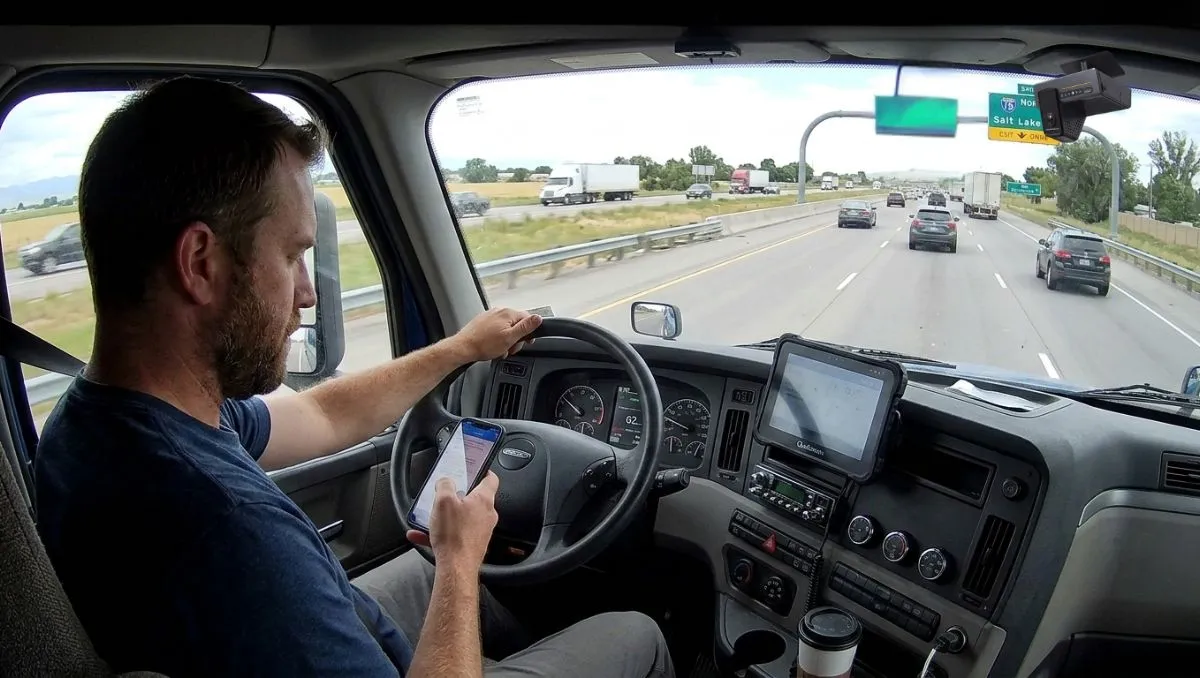
Does Dash Cam Work Without WiFi? Introduction
In today’s fast-moving world, vehicle safety has become more important than ever. Whether you’re a daily commuter, a long-distance traveler, or a fleet owner managing multiple vehicles, installing a dash cam is one of the smartest decisions you can make. But before buying one, many people ask an important question: does dash cam work without WiFi?
It’s a common concern. With so many smart devices depending on internet connectivity, it’s natural to assume that a dash cam might also require WiFi to function properly. However, the truth is much simpler—and reassuring.
If you’re wondering does dash cam work without WiFi, the answer is yes. Most dash cams are designed to operate independently, recording footage directly onto a memory card without needing an internet connection. WiFi is usually an added feature for convenience, not a requirement for recording.
Understanding how dash cams work without WiFi can help you choose the right model for your vehicle and avoid unnecessary confusion. In this article, we’ll explore how these devices function, what role WiFi actually plays, and whether you truly need it for everyday use.
By the end, you’ll have complete clarity about whether a dash cam can protect your vehicle—even when there’s no WiFi around.
How Does a Dash Cam Record Without WiFi?
If you are still wondering does dash cam work without WiFi, the clear and confident answer is yes. A dash cam is designed to function independently, without depending on internet connectivity. WiFi is simply an additional feature for convenience, not a requirement for recording.
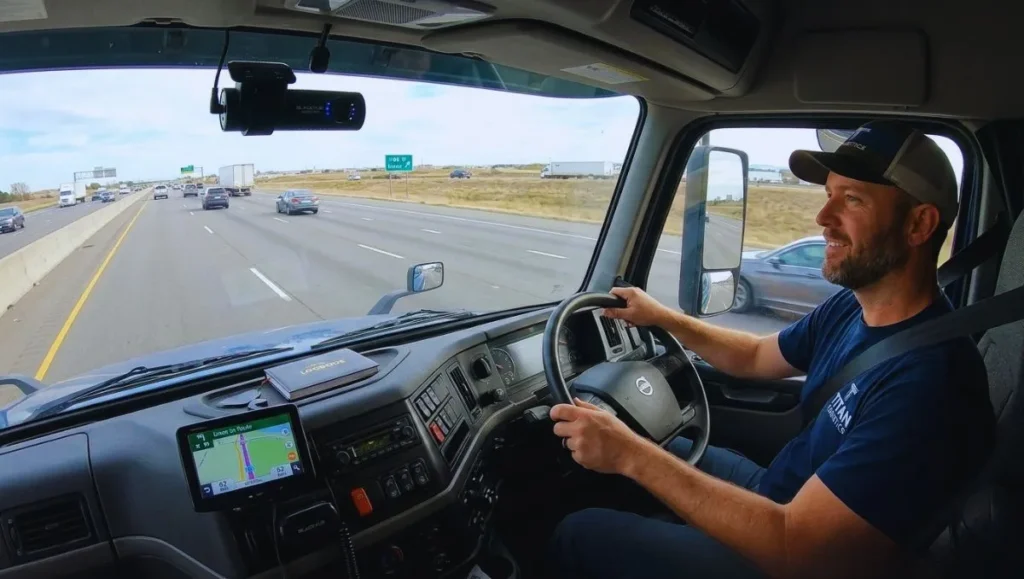
Let’s take a deeper look at how a dash cam records smoothly and efficiently without WiFi.
1. Dash Cam Is a Standalone Recording Device
To understand does dash cam work without WiFi, you first need to understand its core design.
A dash cam is essentially a compact digital video recorder (DVR) built specifically for vehicles. Just like a CCTV camera records footage onto a storage device without internet, a dash cam records directly onto a memory card.
It does not need:
- Internet connection
- Mobile data
- Router
- SIM card (for regular models)
It simply needs power and storage.
2. Local Storage System (MicroSD Card Recording)
The primary reason does dash cam work without WiFi is because it uses local storage.
Here’s how it works:
- You insert a microSD card into the dash cam.
- When the vehicle starts, the camera powers on automatically.
- The camera records video footage in real time.
- The footage is saved directly onto the microSD card inside the device.
This entire process happens internally. There is no uploading or cloud syncing required.
Even if you are driving in:
- Remote highways
- Rural villages
- Basement parking areas
- Areas with no mobile network
Your dash cam continues recording without interruption.
3. Loop Recording Technology
Dash cams are built with loop recording functionality, which ensures continuous recording without manual intervention.
Here’s what happens:
- The dash cam records video in short clips (usually 1–5 minutes).
- When the memory card becomes full, the oldest clip is automatically overwritten.
- New footage continues recording seamlessly.
This automated process does not rely on WiFi. Everything is managed by the internal system of the dash cam.
So when people ask, does dash cam work without WiFi, loop recording is one of the strongest proofs that it does.
4. G-Sensor and Incident Detection
Modern dash cams include a built-in G-sensor (gravity sensor). This sensor detects sudden movements such as:
- Hard braking
- Sudden acceleration
- Sharp turns
- Collisions or impacts
When such an event occurs:
- The dash cam automatically locks that specific video file.
- The locked file is protected from being overwritten.
- The footage remains stored safely for future use.
This emergency protection system works completely offline. It does not need internet access to save important evidence.
5. Power Source – Not Internet Based
Another important detail when discussing does dash cam work without WiFi is power.
Dash cams are powered by:
- Car cigarette lighter port
- USB connection
- Hardwiring kit connected to the vehicle battery
As long as the dash cam receives power, it records. It does not require any network signal check before starting.
This makes it reliable in all driving conditions.
6. Parking Mode Without WiFi
Many advanced dash cams offer parking mode. When properly hardwired:
- The dash cam stays in standby mode.
- It activates recording when motion or vibration is detected.
- It records any suspicious activity around your parked vehicle.
This monitoring system works through internal motion sensors — not WiFi.
Even if your vehicle is parked overnight in an area with zero internet connectivity, the dash cam continues protecting it.
7. Viewing Footage Without WiFi
Some people worry about how they will access footage without WiFi.
The good news is:
- You can remove the SD card and insert it into your laptop.
- You can connect the dash cam directly to a computer using a USB cable.
- You can copy and store videos easily.
WiFi simply allows wireless access through a smartphone app. It is convenient but not essential.
8. Difference Between WiFi Dash Cam and Cloud Dash Cam
When asking does dash cam work without WiFi, it’s important to understand the difference:
Standard Dash Cam
- Records locally
- No WiFi required
- No internet required
WiFi Dash Cam
- Records locally
- WiFi used only to connect with your smartphone
Cloud Dash Cam
- Requires mobile internet or SIM
- Uploads footage to cloud storage
Only cloud dash cams need internet for remote access. Regular dash cams work perfectly offline.
9. Privacy and Security Benefits
Another advantage when considering does dash cam work without WiFi is data security.
Without WiFi:
- No automatic data sharing
- No risk of remote hacking
- No unauthorized access
Your footage remains physically stored in your device until you choose to transfer it.
10. Reliable Performance in All Conditions
Because dash cams do not rely on WiFi for recording:
- There is no signal drop issue.
- There is no streaming delay.
- There is no buffering.
- There is no dependency on mobile data.
This makes them highly dependable for daily commuters, taxi drivers, fleet operators, and long-distance travelers.
What is WiFi Used for in a Dash Cam?
If you’re researching dash cameras, you’ve probably asked yourself: does dash cam work without WiFi? The answer is yes — a dash cam can record, store, and protect footage completely without WiFi.
However, many modern dash cams still include WiFi. So if recording doesn’t depend on it, what exactly is WiFi used for? Let’s explore this in detail.
First, Understanding: Does Dash Cam Work Without WiFi?
Before diving into WiFi features, it’s important to clarify the foundation.
A standard dash cam:
- Records video directly onto a microSD card
- Uses loop recording to overwrite old footage
- Locks emergency files using a G-sensor
- Runs on vehicle power
None of these core functions require WiFi or internet access. That means does dash cam work without WiFi is a definite yes.
WiFi simply enhances user convenience.
1. Wireless Connection Between Dash Cam and Smartphone
The most common purpose of WiFi in a dash cam is to connect it directly to your smartphone.
Here’s how it works:
- The dash cam creates its own local WiFi signal.
- You connect your phone to that signal.
- You open the dash cam’s mobile app.
- You can instantly access camera features.
Important: This connection does not necessarily mean internet access. It’s just a private wireless link between your phone and the dash cam.
2. Live View Streaming on Your Phone
WiFi allows you to see a live video feed directly on your smartphone.
This is especially useful when:
- Installing the dash cam
- Adjusting the camera angle
- Making sure the lens captures the correct road view
- Checking clarity and focus
Without WiFi, you would have to remove the SD card or use a small built-in screen (if available). WiFi makes the process quicker and more convenient.
But again, this does not affect recording itself — which answers the question does dash cam work without WiFi clearly.
3. Wireless Video Download and Sharing
One of the biggest advantages of WiFi-enabled dash cams is easy file transfer.
With WiFi, you can:
- Browse recorded clips through the mobile app
- Select important footage
- Download it directly to your phone
- Share it instantly via email or messaging apps
Without WiFi, you would need to:
- Remove the microSD card
- Insert it into a laptop
- Transfer files manually
Both methods work — WiFi simply saves time.
4. Adjusting Settings Through Mobile App
WiFi makes managing dash cam settings much easier.
Through the mobile app, you can adjust:
- Video resolution (1080p, 2K, 4K)
- Loop recording time (1, 3, or 5 minutes)
- G-sensor sensitivity
- Audio recording on/off
- Date and time
- Parking mode settings
Without WiFi, these settings are controlled using small buttons on the device itself, which can be less user-friendly.
However, whether you change settings via buttons or app, the recording still works — reinforcing that does dash cam work without WiFi is yes.
5. Firmware Updates
Some dash cams allow firmware updates through WiFi.
Firmware updates can:
- Fix software bugs
- Improve recording stability
- Enhance image quality
- Add minor feature improvements
But even without updates, your dash cam will continue recording normally. WiFi just makes updating easier.
6. Cloud Connectivity (In Advanced Models)
It’s important to differentiate between WiFi dash cams and cloud dash cams.
- Standard WiFi dash cam → Connects to your phone locally
- Cloud dash cam → Requires internet via SIM card or hotspot
Cloud dash cams can:
- Upload footage to online storage
- Allow remote viewing from anywhere
- Send instant alerts to your phone
This feature requires internet data, not just WiFi. But basic dash cams do not need this to function.
7. Quick Evidence Access After an Accident
In case of an accident, WiFi can be helpful because:
- You can instantly download the clip to your phone
- Show the footage to authorities
- Share it with your insurance company
Without WiFi, you can still access footage — just not instantly. The dash cam would have already saved the recording to the SD card.
So even in emergencies, the answer to does dash cam work without WiFi remains unchanged.
8. Enhanced User Experience
WiFi improves the overall user experience by:
- Making the dash cam feel more modern
- Reducing the need for cables
- Simplifying file management
- Providing easy monitoring
But it does not influence the camera’s ability to record.
9. Clearing Up Common Misunderstandings
Many people confuse WiFi with internet connectivity.
Let’s clarify:
- WiFi in dash cams is usually local only
- It does not automatically upload videos online
- It does not consume mobile data (unless cloud-based)
- It does not control recording
The dash cam records independently, whether WiFi is on or off.
Benefits of Using a Dash Cam Without WiFi
When choosing a dash camera, many drivers ask the same question: does dash cam work without WiFi? The simple answer is yes. A dash cam is built to record independently using internal storage and vehicle power. WiFi is only an added feature for convenience — not a requirement for recording.
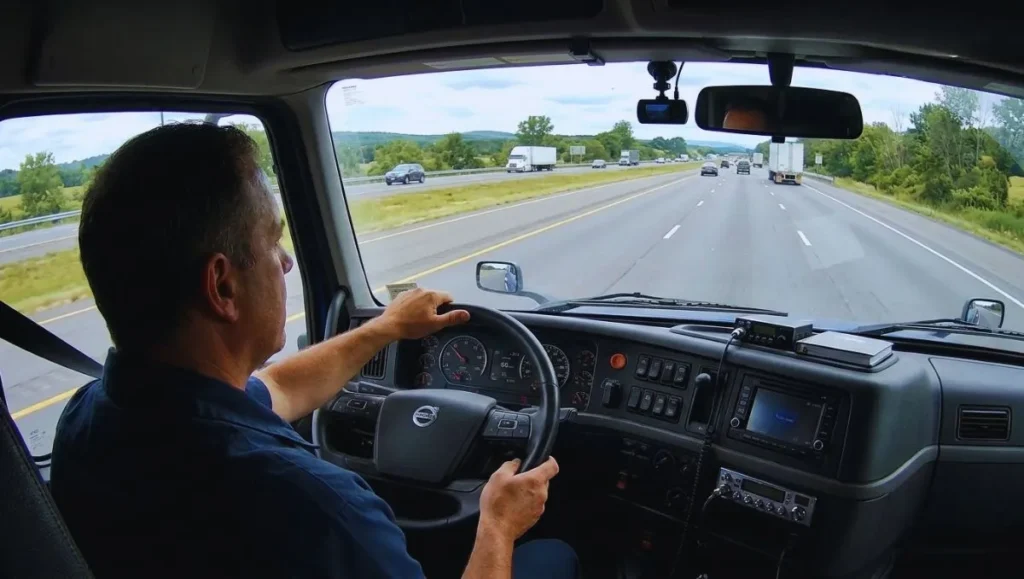
In fact, using a dash cam without WiFi comes with several practical advantages. Let’s explore them in detail.
1. Complete Independence from Internet Connectivity
The biggest benefit when asking does dash cam work without WiFi is reliability.
A non-WiFi dash cam does not rely on:
- Internet signals
- Mobile data
- SIM cards
- Routers or hotspots
It records directly to a microSD card. This means it works perfectly in:
- Remote highways
- Rural villages
- Underground parking areas
- Tunnels
- Low-network zones
No matter where you drive, your dash cam continues recording without interruption.
2. Reliable 24/7 Recording
Dash cams without WiFi focus entirely on recording. They are not trying to connect, sync, or upload data.
This often results in:
- Stable performance
- Faster start-up time
- Consistent video capture
- Fewer software-related issues
As soon as you start your vehicle, the camera powers on and begins recording instantly. There’s no delay caused by wireless setup.
3. Lower Risk of Technical Problems
Wireless devices sometimes face:
- App crashes
- Connectivity drops
- Firmware update errors
- Pairing issues
A non-WiFi dash cam avoids these complications. Since it doesn’t depend on wireless connections, it has fewer points of failure.
This simplicity makes it more dependable for daily use.
4. Better Privacy and Data Control
One major concern for vehicle owners is data security.
When using a dash cam without WiFi:
- Footage remains stored locally on the SD card
- No automatic cloud uploads
- No remote access risk
- No exposure to online hacking
You decide when and how to transfer or share your videos.
So when asking does dash cam work without WiFi, remember that offline operation can actually enhance privacy.
5. No Monthly Costs or Data Usage
WiFi-enabled or cloud dash cams may require:
- Mobile data
- Internet subscriptions
- SIM-based plans
Non-WiFi dash cams eliminate these ongoing expenses.
After purchase and installation, there are no extra connectivity costs. This makes them more budget-friendly in the long run.
6. Simpler Installation and Setup
A non-WiFi dash cam is usually easier to install and operate.
The process typically involves:
- Mounting the camera.
- Inserting a microSD card.
- Connecting it to vehicle power.
That’s it. No app downloads, no pairing steps, no account registration required.
For users who prefer a straightforward “plug and play” experience, this simplicity is a major advantage.
7. Ideal for Fleet and Commercial Vehicles
Fleet owners often prioritize reliability over wireless convenience.
Dash cams without WiFi:
- Prevent drivers from interfering with settings via apps
- Reduce network management complications
- Simplify data collection through SD card review
- Provide consistent evidence recording
For basic monitoring and accident documentation, WiFi is not necessary.
8. Reduced Smartphone Dependency
WiFi dash cams often require smartphones for:
- Viewing footage
- Changing settings
- Managing files
Without WiFi:
- Your phone battery isn’t drained
- No background app usage
- No storage consumption from automatic downloads
The dash cam works independently without needing your phone connected.
9. Lower Purchase Cost
Non-WiFi dash cams are generally more affordable compared to WiFi or cloud-based models.
If your primary goal is:
- Accident evidence
- Road safety
- Insurance protection
- Parking monitoring
You may not need to spend extra money on wireless features.
10. Strong and Stable Performance
Since non-WiFi dash cams focus solely on recording, they often provide:
- Consistent loop recording
- Reliable G-sensor incident locking
- Smooth parking mode operation
- Less overheating risk
They operate like dedicated recording devices rather than multi-connected smart gadgets.
11. Works Even During Network Outages
In situations where:
- Mobile networks fail
- Internet services are down
- WiFi signals are unavailable
A dash cam without WiFi continues functioning normally.
This reliability reinforces the answer to does dash cam work without WiFi — yes, and it works dependably.
When Do You Actually Need WiFi in a Dash Cam?
Before deciding whether you need a WiFi-enabled model, it’s important to answer a common concern: does dash cam work without WiFi? Yes, it absolutely does. A dash cam can record, store, and protect footage without any internet connection.
However, while WiFi is not required for recording, there are certain situations where having WiFi in a dash cam can be useful. Let’s explore when you might actually need it.
First, Does Dash Cam Work Without WiFi?
To clarify again, does dash cam work without WiFi is a straightforward question with a simple answer — yes.
A standard dash cam:
- Records directly to a microSD card
- Uses loop recording
- Locks important clips during impact
- Operates using vehicle power
None of these features require WiFi. Recording works independently.
So WiFi is not about functionality — it’s about convenience and advanced access.
1. When You Want Instant Access to Footage
If you prefer reviewing videos immediately after a drive, WiFi can be very helpful.
With WiFi, you can:
- Open the dash cam mobile app
- Connect your phone to the device
- View recorded clips instantly
- Download videos wirelessly
Without WiFi, you would need to remove the memory card or connect the device to a computer.
So if fast access matters to you, WiFi becomes useful.
2. After an Accident or Road Incident
In case of an accident, quick access to evidence can be important.
WiFi allows you to:
- Instantly download the incident clip
- Share it with authorities
- Send it to your insurance company
- Forward it via email or messaging apps
Although the dash cam already saved the footage without WiFi, wireless transfer makes the process faster and smoother.
3. If You Frequently Adjust Settings
Some drivers like fine-tuning their dash cam settings regularly.
WiFi-enabled models allow you to:
- Change resolution settings
- Adjust G-sensor sensitivity
- Modify loop recording duration
- Turn audio recording on or off
- Manage parking mode
Through a smartphone app, this process becomes simple and user-friendly.
Without WiFi, adjustments are usually made using small buttons on the device.
4. During Installation and Setup
When installing a dash cam for the first time, WiFi can make the process easier.
Using live view on your smartphone, you can:
- Align the camera properly
- Ensure correct angle coverage
- Check clarity and focus
- Avoid blind spots
This helps ensure you capture the road perfectly from the beginning.
5. For Fleet Monitoring (With Cloud Models)
For businesses or fleet operators, some advanced dash cams offer cloud features.
In these cases, WiFi (or mobile internet) allows:
- Remote access to footage
- Real-time monitoring
- Instant driver behavior alerts
- Location tracking integration
However, this applies to cloud-enabled dash cams, not standard models.
For basic recording purposes, the answer to does dash cam work without WiFi remains yes.
6. If You Share Videos on Social Media
Some drivers like sharing scenic drives, travel moments, or unusual road events online.
WiFi helps by:
- Quickly transferring clips to your phone
- Allowing easy editing and posting
- Avoiding manual SD card removal
If you’re a travel vlogger or content creator, WiFi can save time.
7. For Firmware Updates and Improvements
Certain dash cams use WiFi to receive firmware updates through their mobile apps.
These updates may:
- Improve system performance
- Fix minor bugs
- Enhance video quality
- Add small feature upgrades
While helpful, these updates are not mandatory for recording functionality.
When You Don’t Need WiFi
You may not need WiFi if:
- Your primary goal is accident evidence
- You rarely review footage
- You don’t need instant downloads
- You prefer simple, offline devices
- You want maximum privacy
Since does dash cam work without WiFi is already answered with a yes, many drivers find non-WiFi models perfectly sufficient.
Is Internet Required for a Dash Cam?
If you’re planning to install a dash camera in your vehicle, one of the most common concerns is: does dash cam work without WiFi?
With today’s world full of smart devices that rely on constant internet access, it’s completely natural to assume that a dash cam might also need WiFi or mobile data. But the reality is much simpler.
The short answer is: No, internet is not required for a standard dash cam to work.
And yes — does dash cam work without WiFi? Absolutely.
Let’s explore this in detail so you can fully understand how dash cams operate.
Understanding How a Dash Cam Actually Works
To know whether internet is required, you need to understand the core design of a dash cam.
A dash cam is essentially:
- A compact digital video recorder (DVR)
- Mounted on your windshield or dashboard
- Powered by your vehicle
- Designed to record road footage continuously
Its primary job is to capture video and store it locally — not to stream it online.
1. Local Storage System (No Internet Needed)
The main reason does dash cam work without WiFi is yes is because dash cams use internal storage.
Here’s how:
- A microSD card is inserted into the device.
- When you start the vehicle, the dash cam powers on automatically.
- It begins recording video in real time.
- The footage is saved directly onto the memory card.
There is:
- No need for internet
- No need for cloud storage
- No need for mobile data
Everything happens internally inside the device.
Even if you’re driving through:
- Remote highways
- Rural villages
- Tunnels
- Underground parking
- Areas with no signal coverage
Your dash cam continues recording without interruption.
2. Loop Recording Works Offline
Dash cams are designed with loop recording technology.
This means:
- The camera records in short clips (usually 1–5 minutes).
- When the memory card becomes full, the oldest clip is automatically deleted.
- New recordings continue seamlessly.
This system is completely independent of internet access.
So when asking does dash cam work without WiFi, loop recording proves that it does.
3. G-Sensor Protection Without Internet
Most modern dash cams include a built-in G-sensor (gravity sensor).
The G-sensor detects:
- Sudden braking
- Sharp turns
- Strong vibrations
- Collisions or impacts
When an impact is detected:
- The current video file is automatically locked.
- That file is protected from being overwritten.
- It stays saved for future review.
This emergency protection feature works entirely offline. No WiFi or internet connection is involved.
4. Power Source vs Internet Connection
Another important factor to understand is that dash cams require power — not internet.
They are powered by:
- Car cigarette lighter port
- USB connection
- Hardwiring kit connected to the vehicle battery
As long as the dash cam receives power, it records.
It does not check for WiFi signals before starting.
5. Viewing Footage Without Internet
Some people assume that without internet, they cannot view recorded footage. That’s not true.
You can access your videos by:
- Removing the microSD card and inserting it into a laptop
- Connecting the dash cam to a computer using a USB cable
- Viewing files directly on the device screen (if available)
Internet simply makes wireless access easier — but it is not required.
6. When Internet Is Actually Needed
While the answer to does dash cam work without WiFi is yes, there are certain advanced features that may require internet.
Cloud-Based Dash Cams
Some high-end models offer cloud connectivity. These may require:
- A SIM card
- Mobile data plan
- WiFi hotspot connection
With cloud features, you can:
- View footage remotely
- Receive instant alerts on your phone
- Back up videos to online storage
- Monitor fleet vehicles in real time
However, these are premium features — not basic recording functions.
For normal accident recording and evidence collection, internet is not necessary.
7. WiFi vs Internet – Clearing the Confusion
Many people confuse WiFi with internet access.
Important difference:
- WiFi in most dash cams creates a local connection between your smartphone and the camera.
- It does not automatically connect to the internet.
You can connect your phone to the dash cam via WiFi even without mobile data enabled.
So even if a dash cam has WiFi, it still records independently.
8. Benefits of a Dash Cam Without Internet
Choosing a dash cam that works without internet offers advantages such as:
- No monthly subscription costs
- No mobile data usage
- Better privacy control
- Reduced risk of hacking
- Reliable recording in all locations
- Simpler setup and operation
For many drivers, these benefits are more than enough.
9. Who Might Need Internet in a Dash Cam?
Internet is helpful if you:
- Manage commercial fleets
- Need remote live viewing
- Want instant cloud backups
- Require real-time location tracking
For personal vehicles and everyday drivers, it is usually unnecessary.
Choosing the Right Dash Cam for Your Vehicle (Detailed Guide)
When selecting a dash camera, one of the first questions many drivers ask is: does dash cam work without WiFi? The answer is yes. A dash cam can record, store, and protect footage without needing internet connectivity.
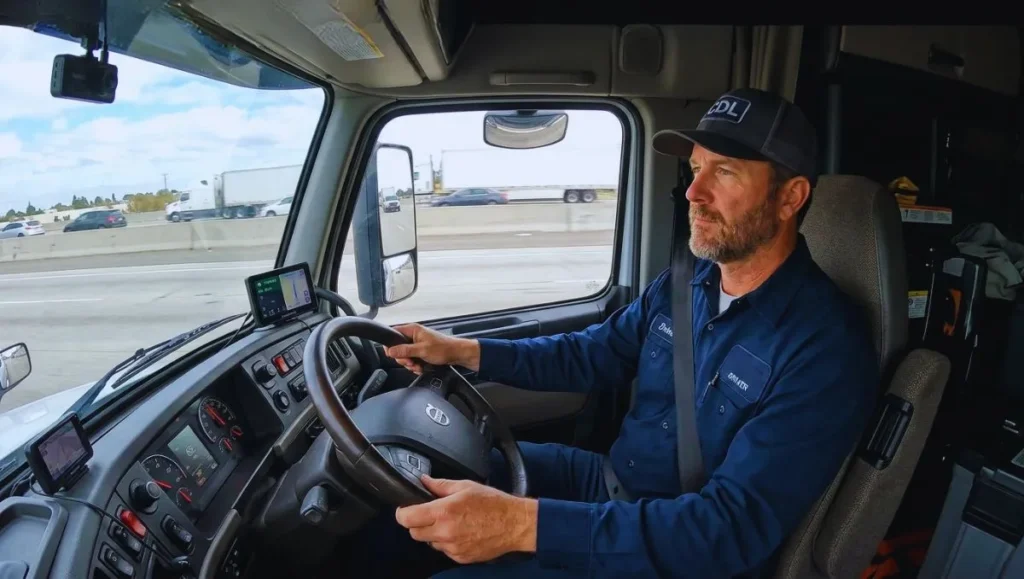
Understanding this helps you focus on the features that truly matter instead of getting distracted by optional extras. Let’s take a detailed look at how to choose the right dash cam for your vehicle.
1. Start by Understanding Your Purpose
Before buying any dash cam, clearly define why you need one.
Ask yourself:
- Do I want protection against accidents?
- Am I worried about parking damage or vandalism?
- Do I manage a fleet of vehicles?
- Do I want travel recording for road trips?
If your main goal is accident evidence and safety, you don’t necessarily need WiFi. Since does dash cam work without WiFi is already answered with a yes, you can confidently choose a model that focuses on recording quality and reliability.
2. Video Resolution and Image Quality
The most important feature of any dash cam is video clarity.
Look for:
- Full HD (1080p) for everyday driving
- 2K or 4K resolution for sharper detail
- Good HDR (High Dynamic Range) support
- Strong night vision performance
Higher resolution helps capture:
- License plate numbers
- Traffic signals
- Road signs
- Pedestrian movement
Clear footage is far more important than WiFi connectivity when it comes to real-world safety.
3. Field of View (Wide Angle Coverage)
A good dash cam should cover a broad portion of the road.
Choose a camera with:
- 140° to 170° viewing angle
A wider field of view ensures:
- Multiple lanes are recorded
- Side activity is captured
- Blind spots are minimized
This feature increases your protection during unpredictable road situations.
4. Storage Capacity and Loop Recording
Since does dash cam work without WiFi is confirmed, storage becomes a key factor.
Check that the dash cam:
- Supports high-capacity microSD cards (64GB, 128GB, or more)
- Includes automatic loop recording
Loop recording ensures:
- Continuous video capture
- Old footage is automatically overwritten
- No manual deletion required
This feature works completely offline.
5. G-Sensor (Impact Detection)
A built-in G-sensor is essential for accident protection.
When the sensor detects:
- Sudden braking
- Hard acceleration
- Collision impact
The dash cam automatically locks the footage to prevent it from being overwritten.
This safety feature does not require internet, proving again that does dash cam work without WiFi is yes.
6. Parking Mode Protection
If your vehicle is often parked in public spaces, parking mode is very useful.
Parking mode can:
- Record when motion is detected
- Capture hits or scratches
- Monitor suspicious activity
For parking mode to work properly, you may need:
- A hardwiring kit
- Proper battery management
But internet access is not required for it to function.
7. Power Source and Installation
Dash cams are powered through:
- Car cigarette lighter socket
- USB port
- Hardwiring kit connected to the vehicle battery
Hardwiring is recommended if you want:
- Cleaner installation
- Parking mode activation
- Automatic start and stop
Power supply reliability is more important than wireless connectivity.
8. Build Quality and Heat Resistance
If you live in a hot region, choose a dash cam designed to handle high temperatures.
Look for:
- Capacitor-based models (more heat-resistant than battery-based)
- Durable outer casing
- High-temperature tolerance ratings
This ensures long-term performance and durability.
9. WiFi – When Is It Useful?
Although does dash cam work without WiFi is yes, WiFi may be useful if you:
- Want to download videos directly to your smartphone
- Prefer adjusting settings via a mobile app
- Need quick access to footage after an accident
- Share driving clips on social media
WiFi improves convenience but does not improve recording ability.
10. GPS Tracking Feature
Some dash cams include built-in GPS. This can:
- Record vehicle speed
- Track route location
- Provide timestamped travel data
GPS does not require WiFi to function. It uses satellite signals independently.
This can be valuable for legal evidence or fleet tracking.
11. Budget and Long-Term Value
Non-WiFi dash cams are often:
- More affordable
- Easier to maintain
- Less complicated to operate
If your priority is reliable recording rather than remote access, you can save money while still getting excellent protection.
12. Single, Dual, or Triple Channel?
Consider the type of coverage you need:
- Single-channel → Front view only
- Dual-channel → Front and rear recording
- Triple-channel → Front, rear, and interior (useful for taxis or rideshare)
Choose based on your vehicle type and usage.
Conclusion: Does Dash Cam Work Without WiFi?
After understanding how dash cameras function, the final answer is clear and reassuring — does dash cam work without WiFi? Yes, it absolutely does.
A dash cam is designed as a standalone recording device. Its primary role is to capture video footage of your journey and store it safely on a memory card. This process does not require internet access, mobile data, or a WiFi connection. As long as the device has power and storage, it will record continuously and reliably.
Many drivers assume that modern technology must depend on connectivity. However, when it comes to dash cams, WiFi is simply an added convenience feature. It may help with wireless file transfers or mobile app access, but it does not control the recording function itself.
So, if you’re still asking, does dash cam work without WiFi? The answer remains a confident yes. Whether you’re driving through remote highways, parking underground, or traveling in areas with no network coverage, your dash cam will continue to record without interruption.
In simple terms, WiFi enhances convenience — but safety and recording do not depend on it. A standard dash cam can fully protect your vehicle, provide accident evidence, and offer peace of mind without ever connecting to the internet.